Catalog to on-model photography for Shopify: a practical guide for 100+ SKUs
Learn how to turn a large Shopify apparel catalog into consistent on-model product images, what AI can and cannot preserve, and how to test garment accuracy before scaling.
Janjan Team
Author
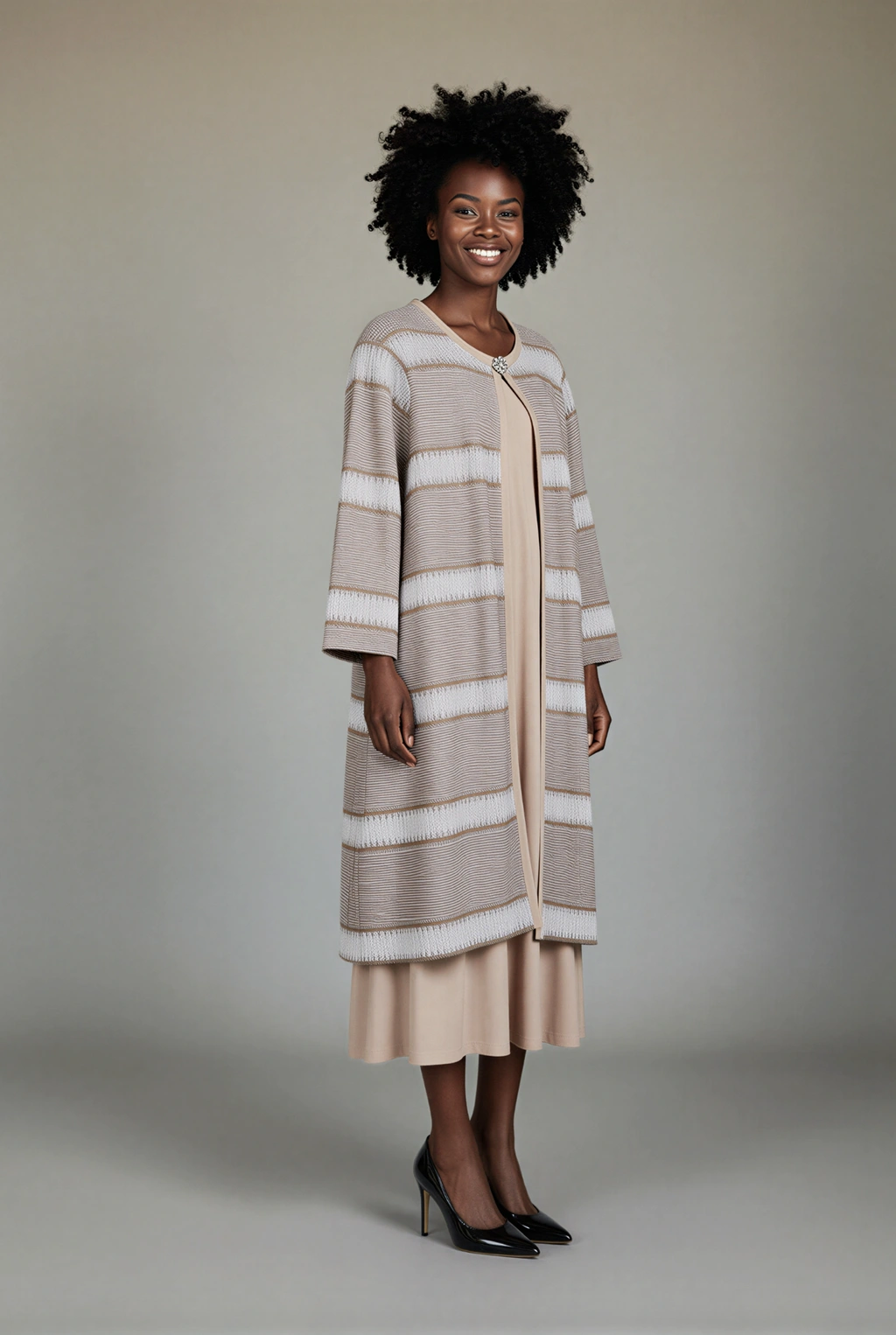
A model shoot can make sense for ten hero products. It becomes a different problem when the brief is 300 SKUs, several poses per product, and a launch date that does not move.
For a large apparel catalog, the practical answer is usually not “replace every photoshoot with AI.” It is to separate two jobs. Use traditional photography where art direction, exact fit, movement, and campaign storytelling matter most. Use catalog-to-on-model production for the repeatable product-page layer, where consistency, speed, and reviewable garment accuracy matter more than a new creative concept for every SKU.
That distinction answers many of the questions fashion merchants are asking on Reddit: How do you photograph hundreds or thousands of products without turning every launch into a production project? Can AI preserve the actual logo, seams, color, silhouette, and drape? Will customers trust the result? What should remain a real shoot?
This guide answers those questions and explains how Janjan's Catalog to On-Model workflow is designed for the bulk part of the job.
What is catalog-to-on-model photography?
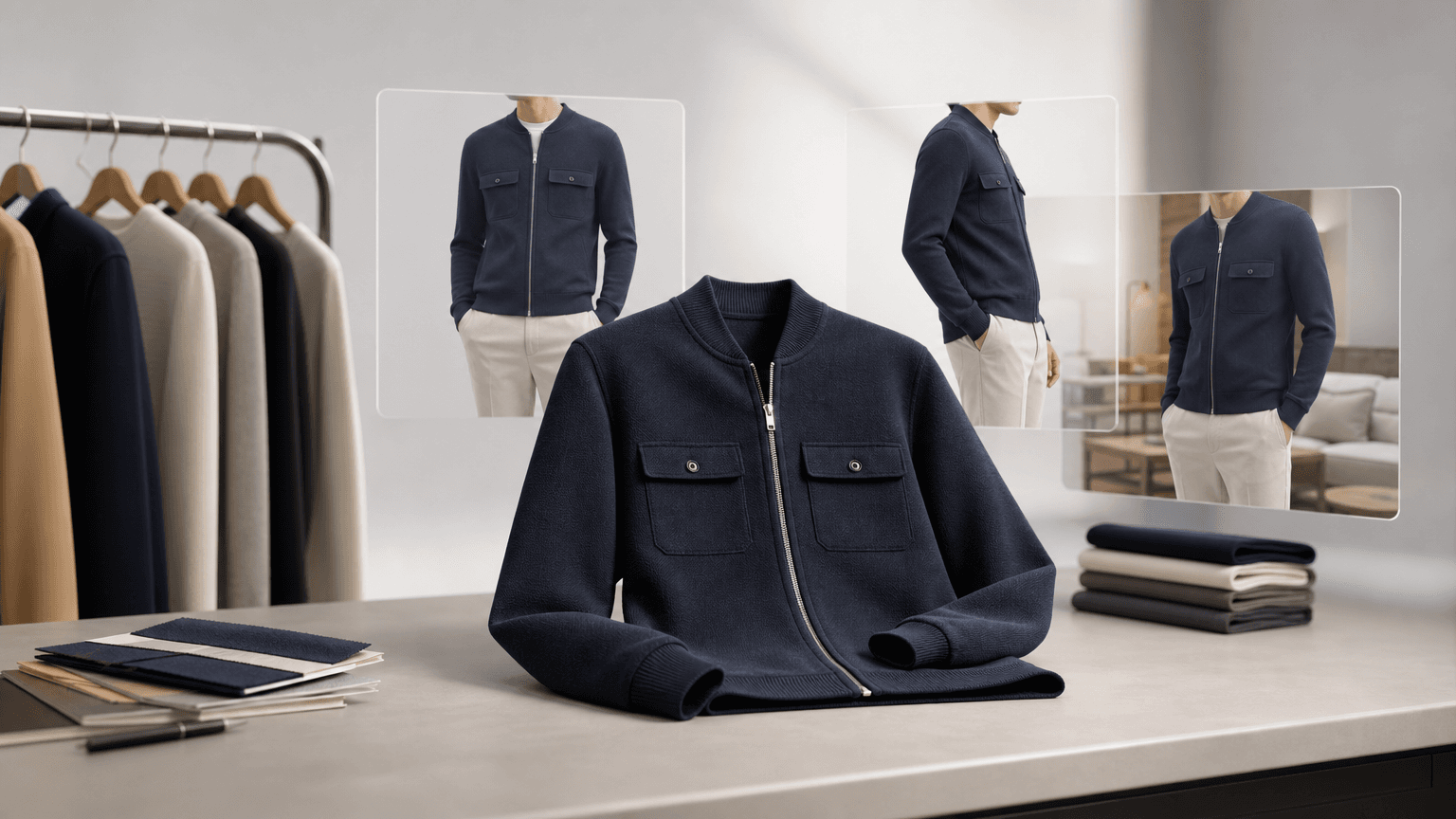
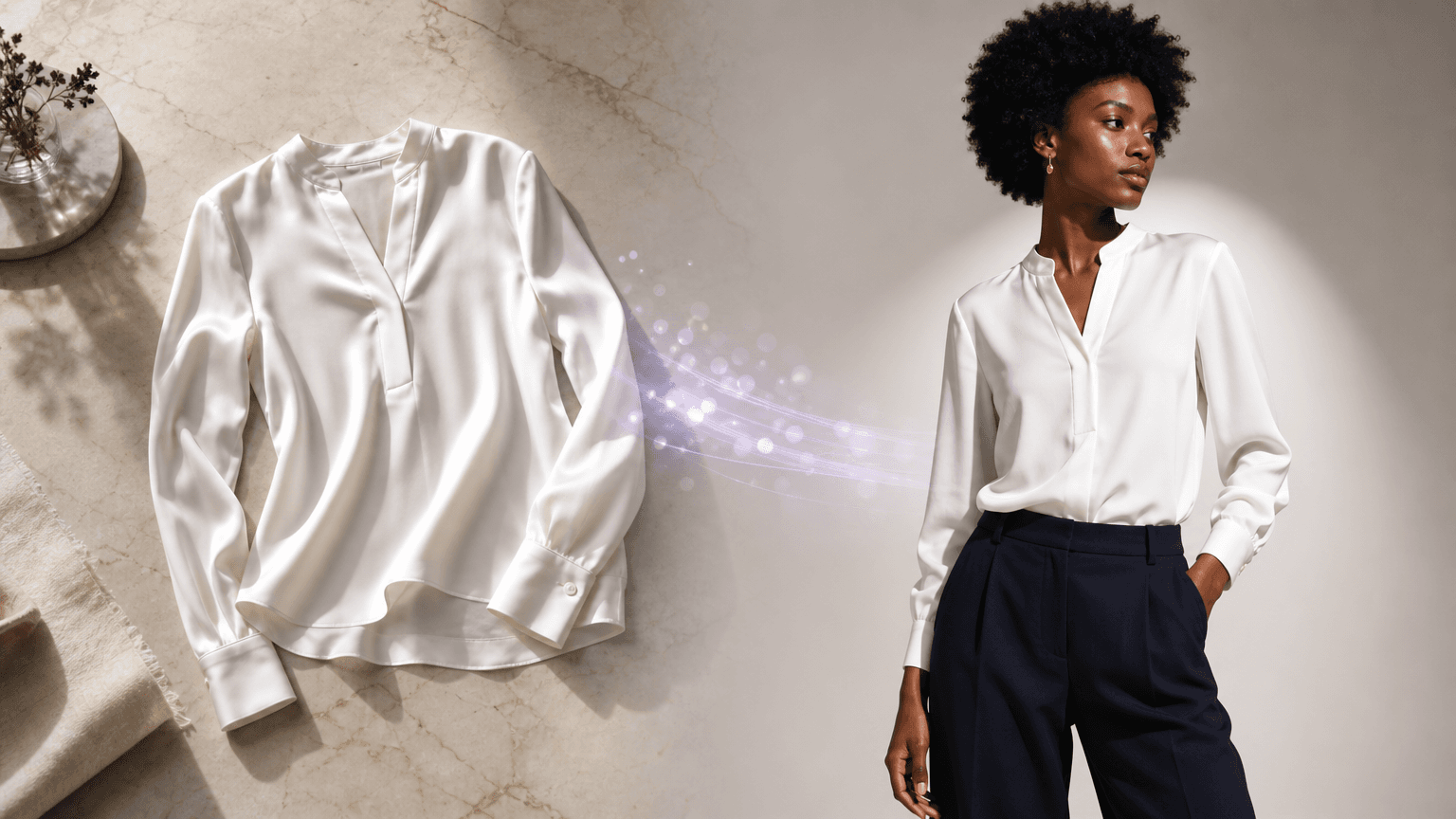
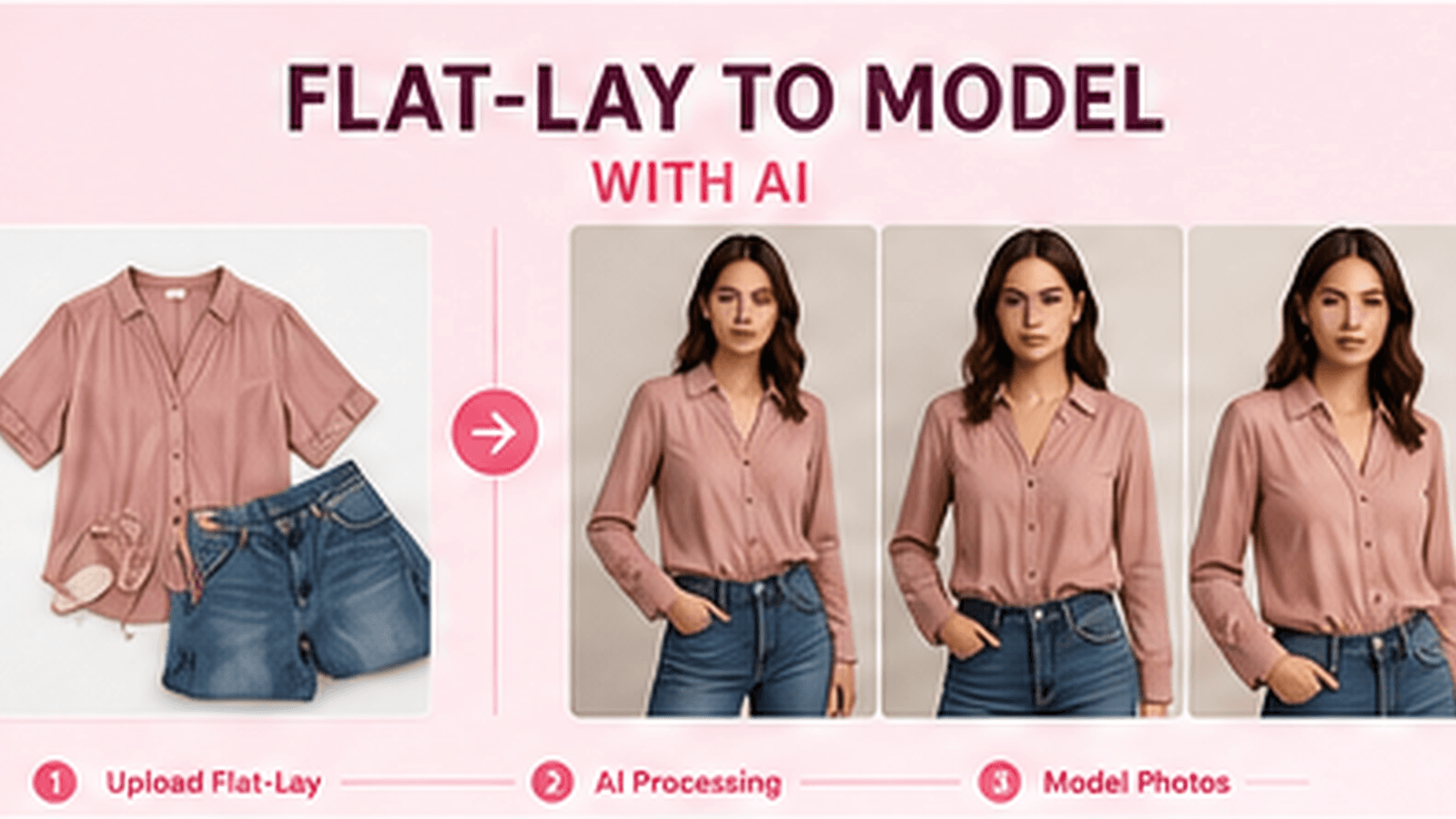
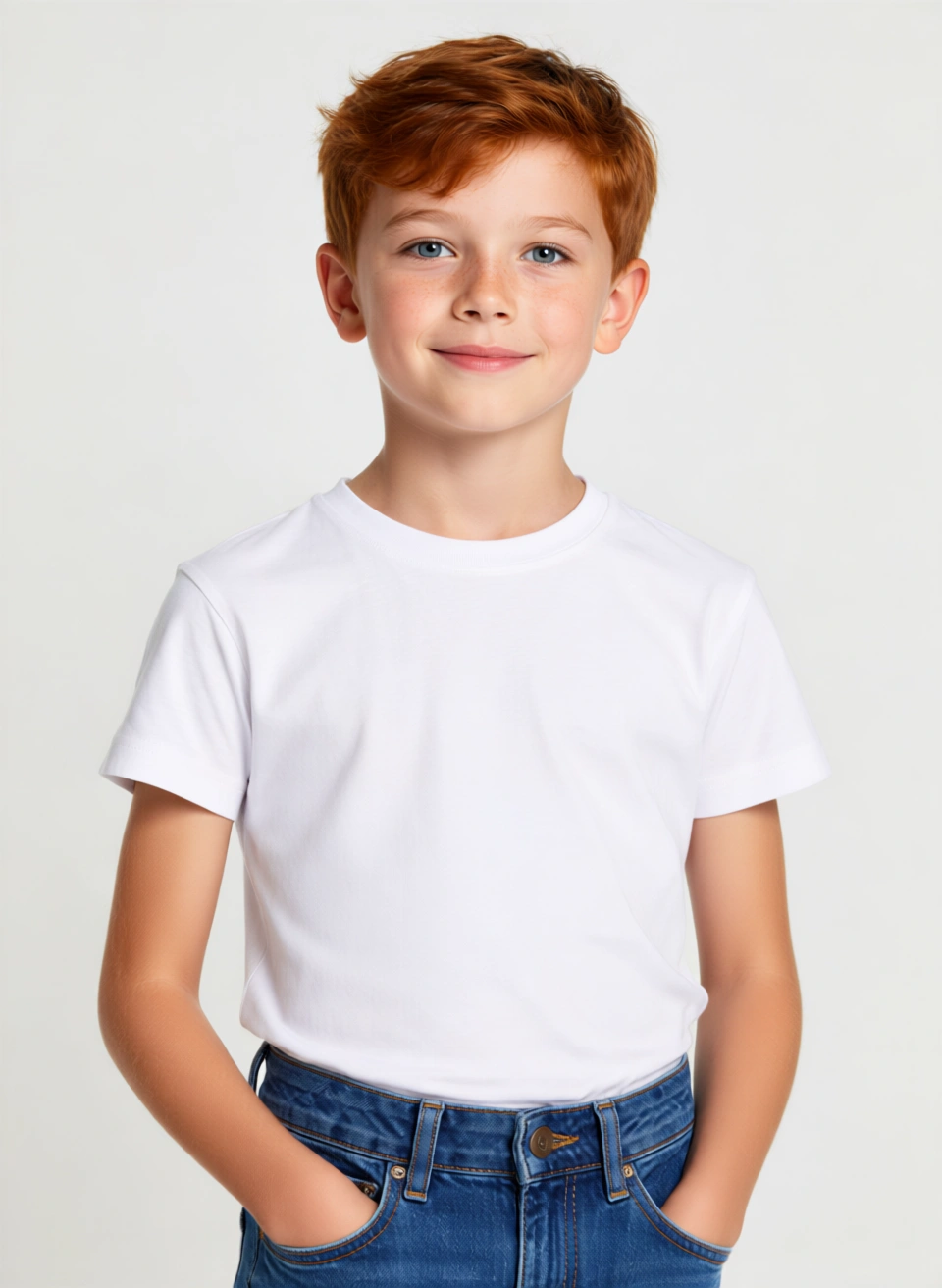
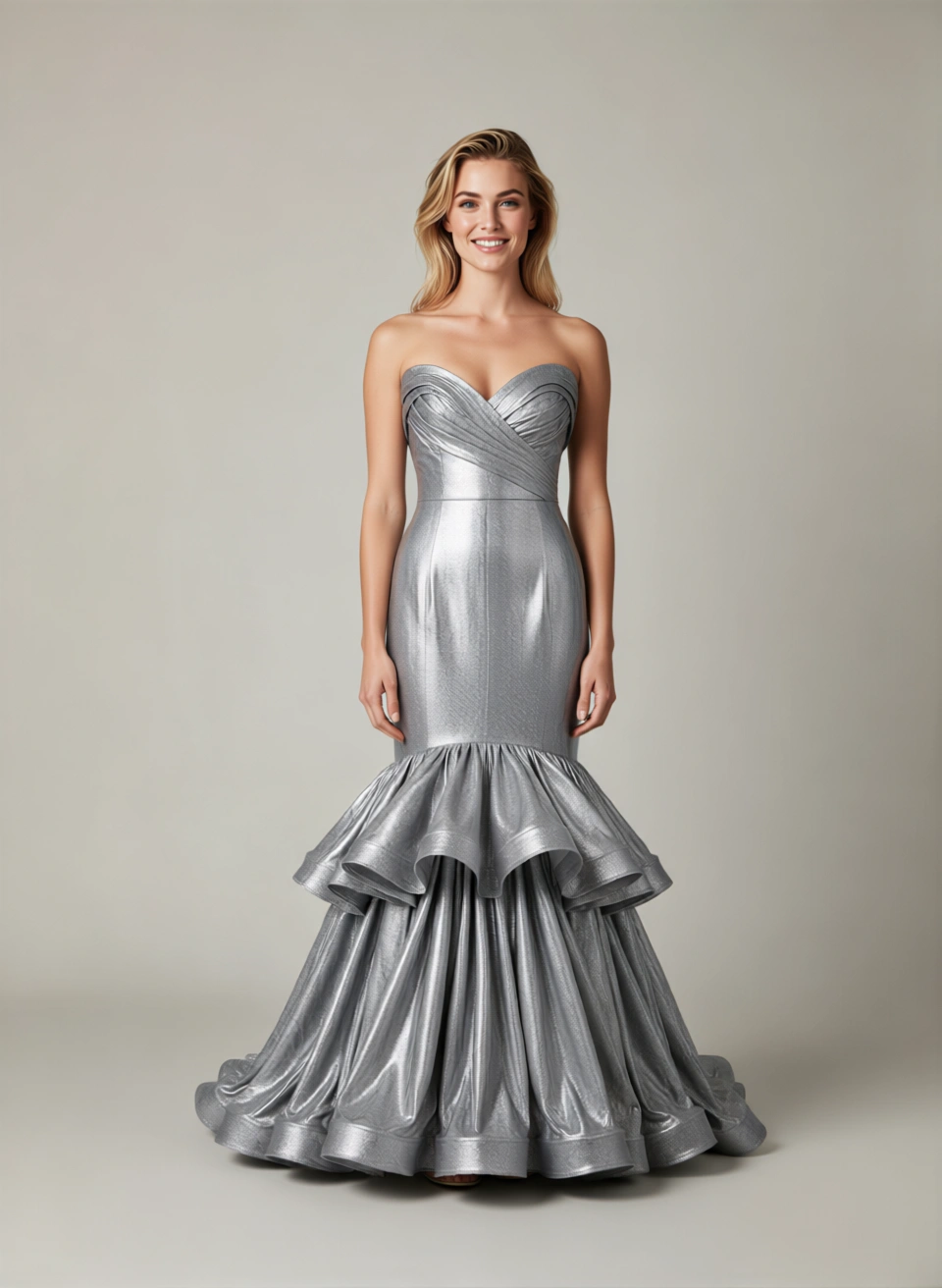
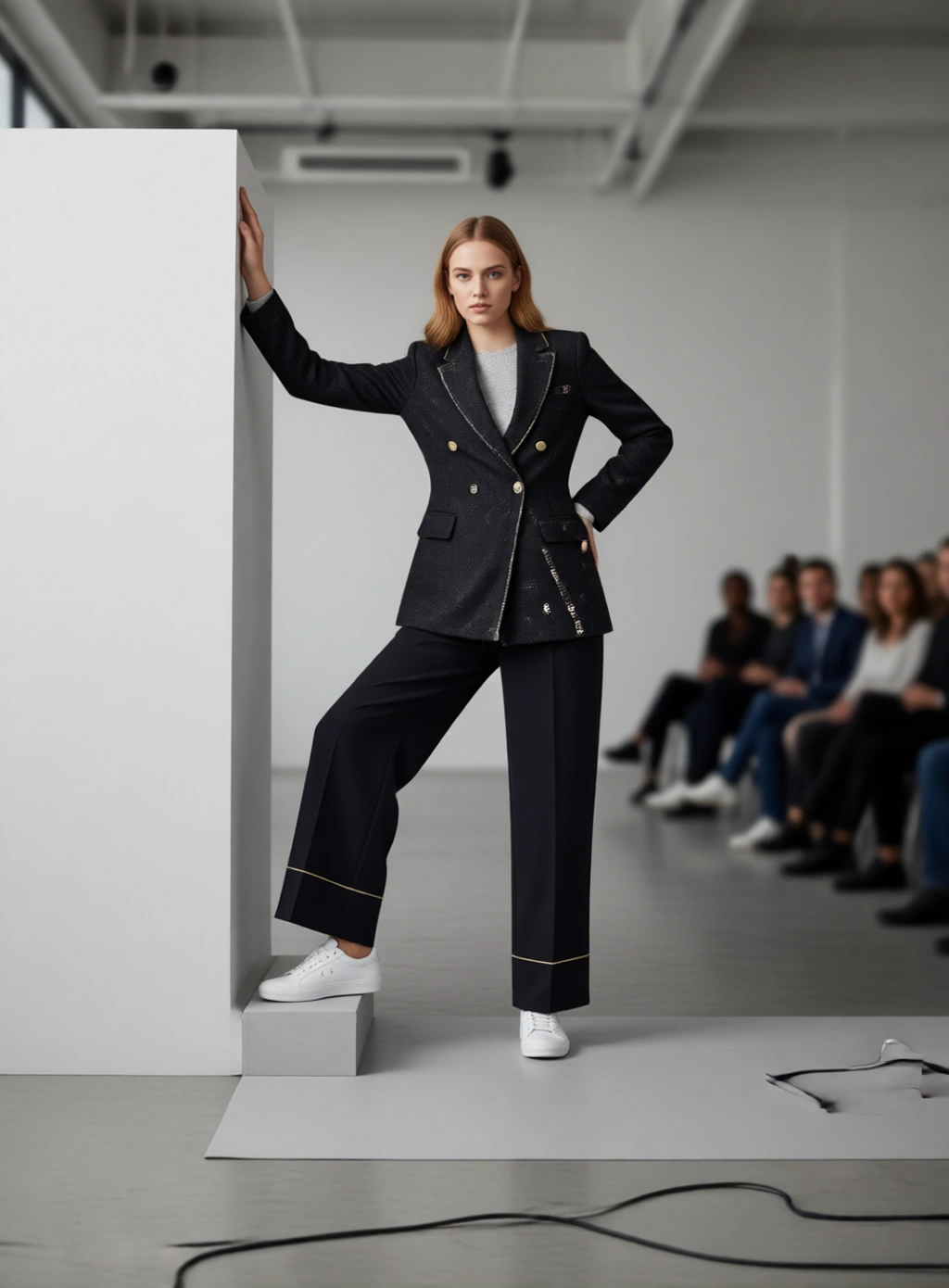
Catalog-to-on-model photography converts existing garment images from a commerce catalog into on-model product images. The source is usually a clean flat-lay, ghost-mannequin image, or product-only photo. The output places that garment on a selected model using a consistent pose and studio setup.
The important word is catalog. This is not one prompt for one attractive image. A catalog workflow needs to keep product identity, source media, processing status, outputs, and review decisions attached to the correct Shopify product across a large selection.
For example, 120 garments with three poses each is not one image-generation task. It is 360 product-specific outputs that must be generated, mapped, reviewed, retried when necessary, and kept with the right product context.
Why large catalogs turn photography into an operations problem
The questions merchants ask tend to change as SKU count grows.
In one Reddit discussion, a merchant trying to plan model photography for roughly 100 SKUs described receiving quotes in the thousands of dollars and asked how other teams handle the coordination. Another apparel operator with around 5,000 SKUs framed the problem as cost per approved PDP image, consistency, and the behavior of tailored or structured garments, rather than simply asking whether AI could make a good picture. These are individual accounts, not industry benchmarks, but they show where the operational pressure appears. (100-SKU model photography discussion, 5,000-SKU cost-per-image discussion)
A Shopify merchant with about 300 SKUs described spending half a day on each new batch across shooting, background removal, resizing, and visual standardization. At that scale, the bottleneck is not only the camera. It is the repeated handling around every product. (bulk product-photo workflow discussion)
This is why catalog production needs a system with a few non-negotiable properties:
- Products can be selected in bulk without losing selections between search-result pages.
- One model, pose set, background, body type, and footwear setup can be reused across the run.
- Every output remains attached to the correct garment and pose.
- A failed product can be retried without repeating successful work.
- Progress is visible per product, because a partially complete run is still useful.
- The cost is quoted before generation from the actual number of garments, models, and poses.
Can AI keep the garment accurate?
It can preserve a well-photographed garment closely, but no responsible workflow should treat generated product imagery as automatically accurate.
Reddit's skeptical questions are the right ones. Fashion designers and customers have raised concerns about generated images changing necklines, seam paths, embellishments, silhouette, or drape. Brand owners also worry that an artificial-looking image can make shoppers suspect that the delivered garment will differ from the product page. (fashion-design accuracy discussion, clothing-brand trust discussion)
Treat the source product image as the reference and the generated image as a candidate that must pass review. Check at least:
- Color: compare the garment against the source on the same calibrated display.
- Prints and logos: inspect spelling, orientation, scale, and placement at full resolution.
- Construction: follow collars, cuffs, pockets, buttons, zips, straps, seams, and hems.
- Silhouette: confirm length, volume, shoulder shape, waist position, and sleeve proportion.
- Fabric behavior: check whether the drape and surface still make sense for the material.
- View consistency: compare front and back outputs for details that should continue around the garment.
Fine typography, repeated prints, reflective materials, sheer fabrics, unusual fastenings, complex tailoring, and products whose back is not shown in the source deserve stricter review. If the source does not contain a detail, the system cannot be expected to reproduce it reliably.
What source images should a Shopify catalog use?
Start with the cleanest product media already attached to each Shopify item. A front image is required for the Catalog to On-Model workflow, and a back image can be added when it provides useful construction information.
Good inputs usually have:
- The complete garment visible within the frame
- Enough resolution to inspect trims, prints, and fabric texture
- Neutral lighting without clipped highlights or crushed shadows
- Limited overlap, folding, or obstruction
- A background that does not hide the garment edge
- Product color that has not been heavily filtered
A clean flat-lay is often better than a stylish source photo that conceals part of the product. For oversized garments, jackets, shiny materials, or complex collars, include them in the difficult portion of your pilot rather than assuming that a result from a simple T-shirt will generalize. Merchants testing AI clothing imagery on Reddit repeatedly focus on fit, print fidelity, and usable outputs per credit for exactly this reason. (clothing-image tool discussion, Shopify output-quality discussion)
Should AI replace the whole photoshoot?
Usually, no.
A hybrid model is more defensible:
| Asset | Recommended production route | Why |
|---|---|---|
| Campaign hero | Physical shoot or closely directed creative production | Art direction, movement, location, and brand storytelling carry the value |
| Fit-critical product detail | Physical sample photography | The shopper needs direct evidence of construction and fit |
| Consistent on-model PDP views | Catalog-to-on-model workflow | The setup is repeatable across a large product set |
| Regional casting or pose variants | On-model generation with review | Existing product media can support controlled variations |
| Reflective, sheer, highly structured, or intricate garments | Case-by-case test, often physical photography | Small inaccuracies can change the product promise |
This also protects customer trust. Keep the original packshot and real detail photography where they help shoppers verify the product. Do not publish a generated image that improves the garment by changing its construction. The goal is to show the same product on a model, not a more marketable product that does not exist.
One ecommerce discussion described teams using real packshots and hero photography alongside AI for day-to-day catalog volume. That is a useful operating principle, even though the exact split will differ by brand and garment type. (hybrid photography discussion)
How Janjan Catalog to On-Model works
Catalog to On-Model is a separate Janjan Studio workflow for Shopify catalogs. It does not change the existing Try-On or Flat-Lay tools.
The workflow is:
- Open the Shopify catalog selector and search or page through products.
- Select the garments you want to process. Selections remain available while you browse additional pages.
- Confirm the front image, optional back image, and garment category for each product.
- Choose the model, poses, background, body type, and footwear settings for the run.
- Review the quote. Credits are calculated from garments × models × poses.
- Start the run and follow status at product level.
- Review completed images, then retry only the failed or cancelled products if needed.
The feature is available to Runway subscribers. A regular Runway workspace uses one model per run. Existing admin-only multi-character access remains available to administrators, with the same configured character limit.
Behind the interface, the catalog is divided into durable work units. Janjan can prepare several garment inputs and use available generation workers concurrently, while each garment still receives its own generation record. This is bounded parallel processing, not one opaque inference containing an entire catalog. That distinction lets the system preserve per-product progress, gallery behavior, retry handling, and recovery information.
If a run is cancelled, pending products stop entering generation. Work already running is allowed to finish safely. A retry targets failed or cancelled items rather than charging for and regenerating successful products again.
How to test 20 products before converting the full catalog
Do not begin with your easiest product and then approve a 5,000-SKU rollout. Build a representative pilot.
Choose 20 products across three groups:
- Simple: solid-color T-shirts, straightforward skirts, or uncomplicated dresses
- Typical: the categories and materials that make up most of the catalog
- Difficult: fine logos, repeated prints, layered garments, reflective fabric, tailoring, unusual collars, or asymmetric construction
Use the same model, background, and pose set across the pilot. Then record these measures per product:
- Correct product and source image mapping
- Color within the brand's acceptable tolerance
- Logo and print fidelity
- Seam, pocket, fastening, and hem accuracy
- Silhouette and drape accuracy
- Front-to-back consistency
- Number of usable outputs from the credits spent
- Human review time per product
- Retry rate and reason
Define rejection rules before reviewing. For example: any misspelled logo, moved pocket, missing fastening, incorrect hem length, or materially changed silhouette is an automatic rejection. Clear rules prevent a visually attractive image from passing when it does not represent the product.
After the pilot, expand by product family. Process knitwear together, then outerwear, then dresses. Reviewers become faster at spotting drift when similar products appear side by side, and difficult categories can keep stricter acceptance rules.
Questions merchants ask before starting
Can I create model photos directly from Shopify product images?
Yes. Catalog to On-Model uses Shopify product media as the garment source. Select a clear front image and add a back image when it helps describe the product. Every generated result still needs garment-fidelity review before publishing.
Does “bulk” mean the whole catalog is generated in one AI request?
No. Products are sent as bounded, trackable work units. The system can process more than one garment concurrently, but each product keeps its own status, outputs, and retry behavior. This is safer for recovery and product mapping than treating a catalog as one indivisible request.
How many products can I select?
You can build a large selection in the Shopify catalog interface. The Studio divides it into processing chunks behind the scenes, so you do not need to manually create a separate run for every small batch.
Can a Runway user generate the same catalog on several models?
Standard Runway access uses one selected model. Multi-character selection remains an administrator-only capability under the existing Studio permission.
Will this replace our photographer?
It is better viewed as a catalog production layer. Use it where the setup is repetitive and output volume is high. Keep physical photography where exact fit evidence, complex materials, movement, creative direction, or campaign storytelling justifies it.
How do I know whether the result is accurate enough to publish?
Compare every candidate against the source using written rejection rules. Review color, typography, logos, construction, silhouette, drape, and consistency between views. Keep a real packshot or detail image on the product page when it provides evidence the generated view cannot.
Make the catalog repeatable before making it large
The useful question is not whether AI can make one convincing model image. It is whether your team can produce, map, review, and recover hundreds of product-specific images without losing accuracy or control.
Start with a representative pilot, keep the physical product image as the authority, and separate hero creative from repeatable catalog production. When the acceptance rules hold across easy and difficult garments, expand one product family at a time.
Open Catalog to On-Model in Janjan Studio or review Runway plan access and credits before planning a full-catalog run.