Flat-lay to on-model photos: the photographer-free workflow guide
Learn how to turn flat-lay product shots into photorealistic on-model images using AI, a step-by-step workflow, prep checklist, cost savings, and compliance guide for ecommerce teams.

Janjan Team
Author
Flat-lay to on-model photos: the photographer-free workflow guide
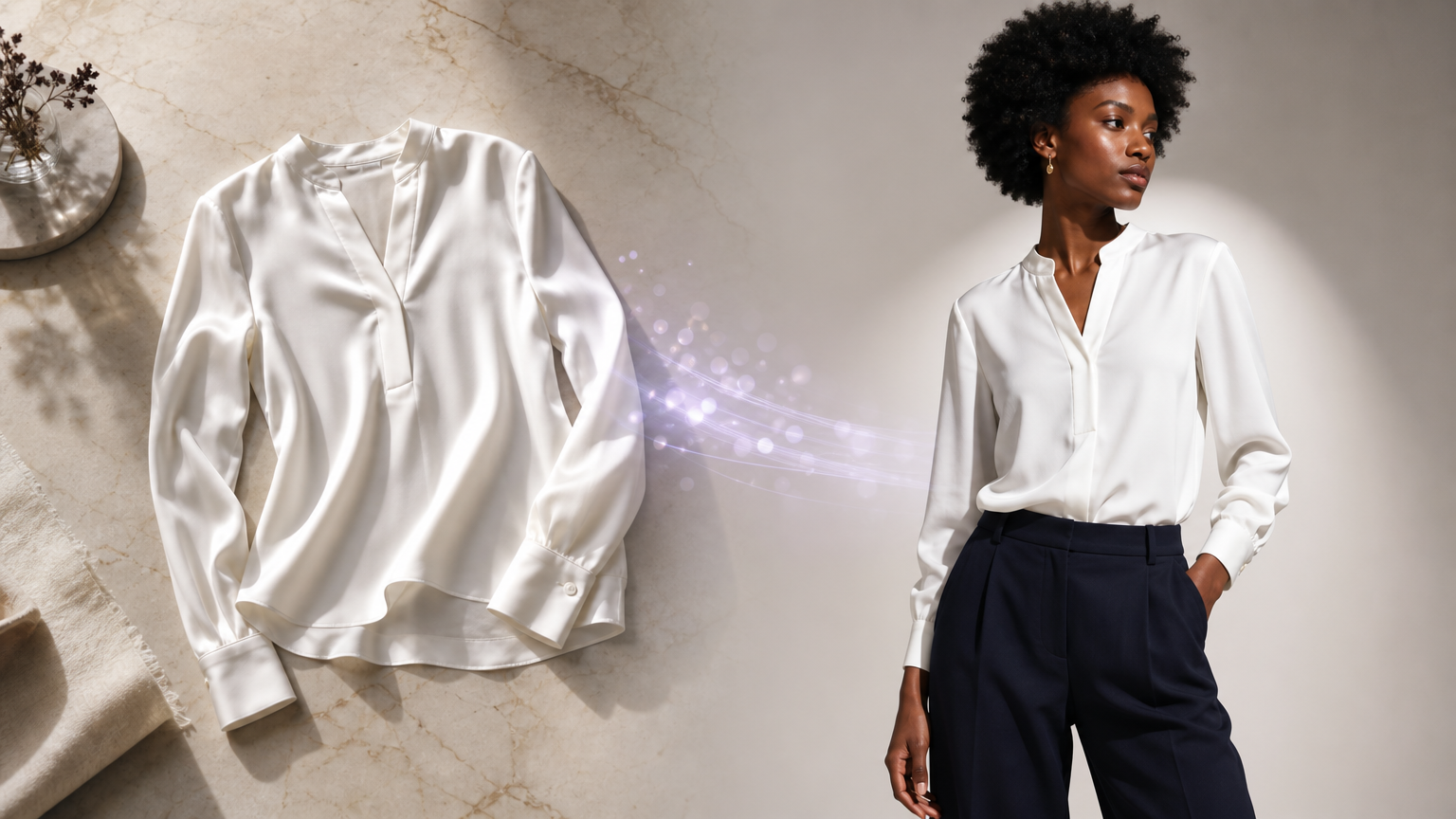
Flat-lays get your product live. They don't sell the fit.
Shopping online means making a decision without touching the fabric or trying anything on. When a garment is photographed flat on a surface, shoppers are left to imagine how it drapes, how it sits on a shoulder, and whether the length is right for them. That uncertainty translates directly into hesitation at the point of purchase and into returns after it.
On-model visuals close that gap. They give the fit context, show the garment in scale against a body, and create the lifestyle moment that earns a click. The challenge has always been the cost and logistics of getting models and photographers into a studio for every SKU, every season. AI changes that calculation entirely, but only if your team knows how to run the workflow properly.
This guide covers everything: what the flat-lay to on-model AI process actually involves, how to prepare your source images so the AI gets the garment right, how to think about channel-specific outputs, what it costs versus a traditional shoot, and how to handle legal and compliance questions that matter to ecommerce teams.
Why flat-lays fall short (and what on-model images actually fix)
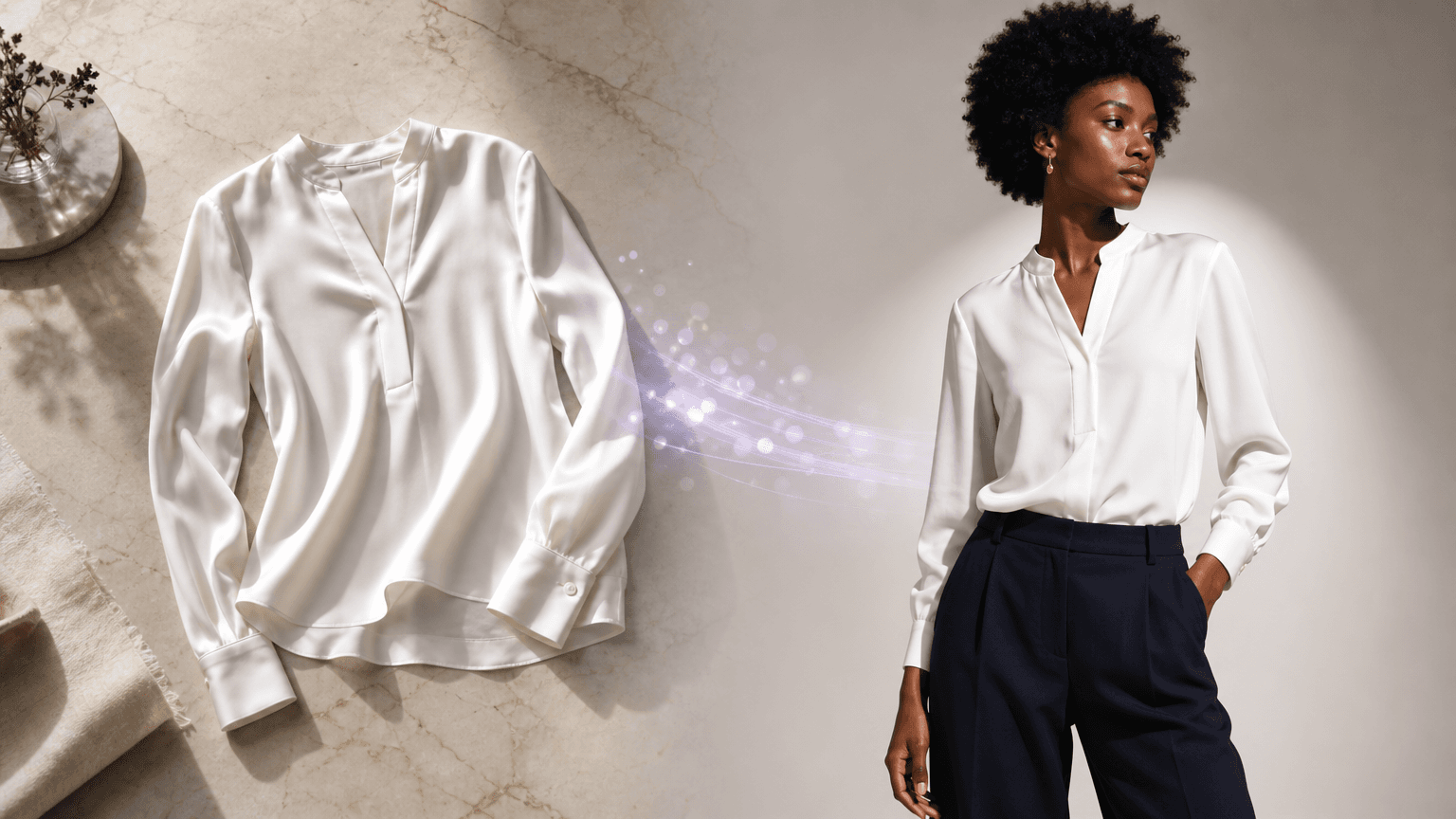
A flat-lay does a reasonable job of communicating colour, print, and basic construction. What it can't do is show drape. A satin blouse laid flat looks very different from one worn, the way it moves at the hem, how the neckline sits, how proportions read in motion. Shoppers notice this gap even if they can't articulate it.
For paid social, the gap is more acute. Ads compete for attention in a fast-moving feed. An on-model image signals wearability and aspiration in a fraction of a second. A flat-lay rarely achieves the same stopping power.
The goal here is not AI-generated fantasy imagery. It's garment-faithful, on-model outputs that accurately represent what a customer will receive. That's a meaningful distinction. The AI should map your actual garment, not invent a new one.
How AI converts a flat-lay into an on-model image
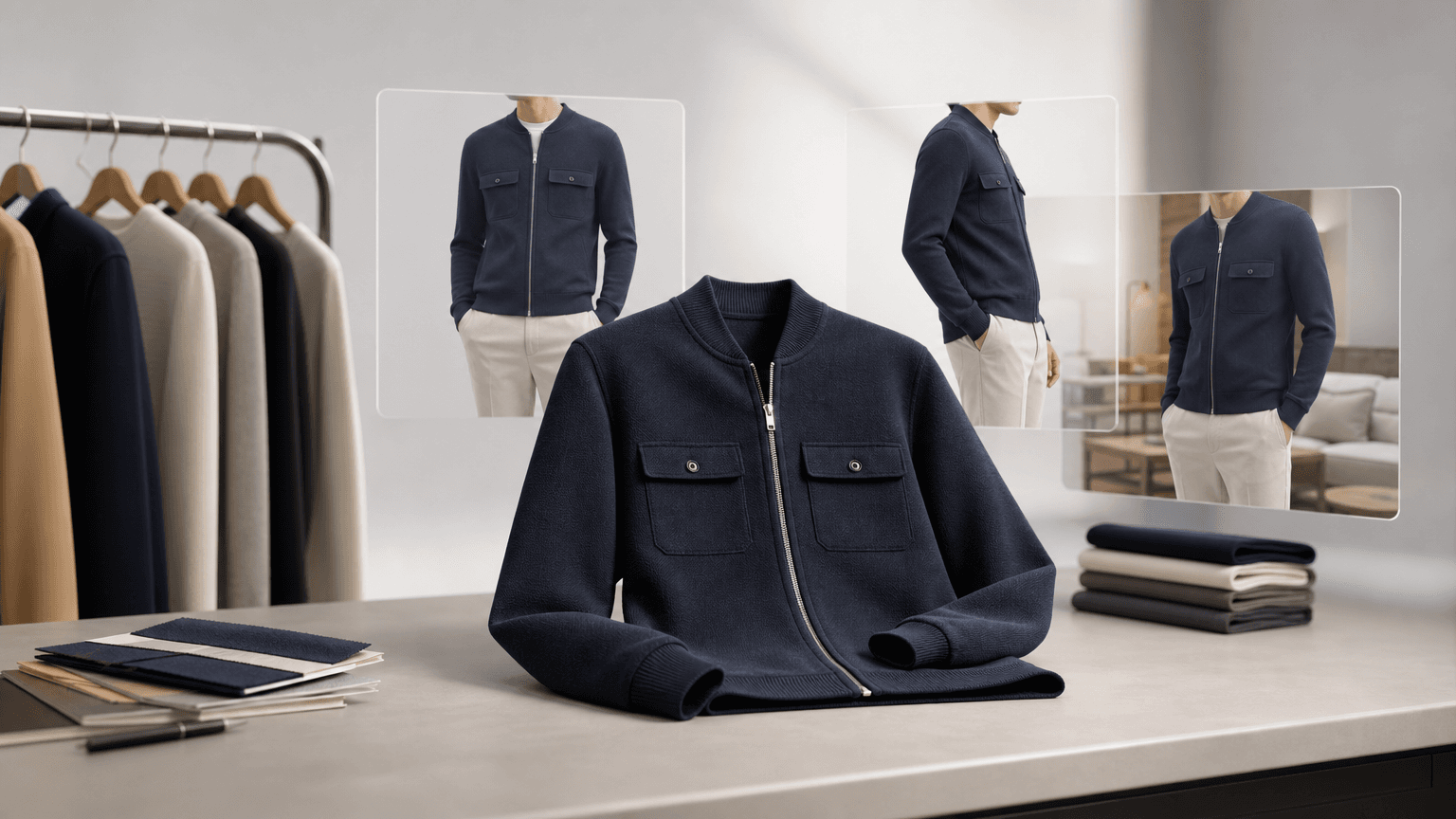
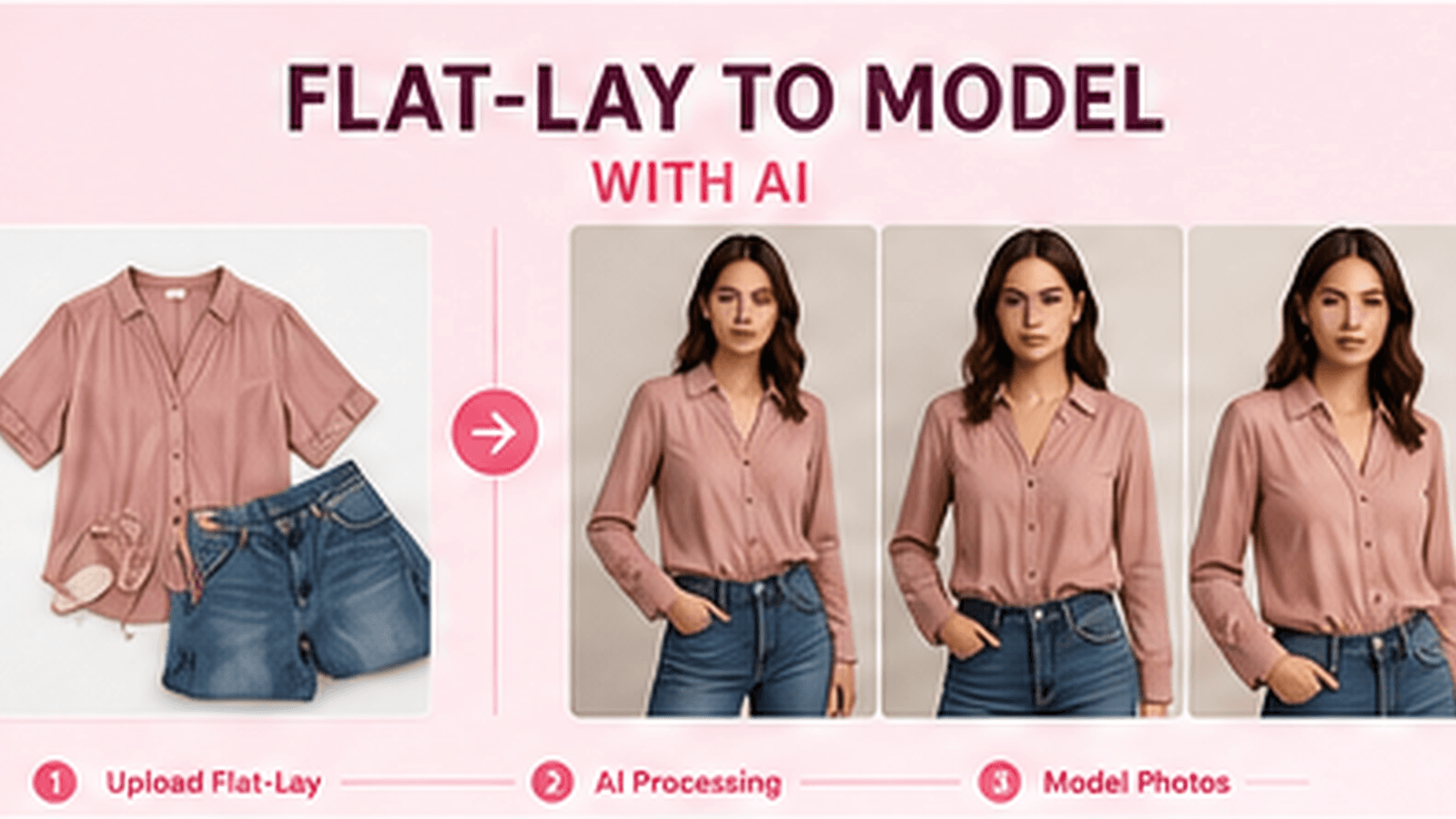
The process is more straightforward than most ecommerce teams expect. You start with what you already have — a flat-lay, a mannequin shot, or a catalogue image — and upload it into the studio. The AI reads the garment: its silhouette, fabric texture, colour, print placement, and construction detail. It then maps that garment onto a selected model in a chosen pose and scene, preserving what matters most: the actual product.
This is not image manipulation in the traditional sense. You are not painting a model onto a flat-lay or compositing layers in post. The AI generates a photorealistic image from the garment data, placing it accurately on a human form, with lighting, shadow, and drape rendered to reflect how the fabric would genuinely behave. The output looks like a studio photograph because the underlying model has been trained specifically on fashion imagery at that level of detail.
What to look for in garment fidelity
Not all AI image tools handle garments the same way. General-purpose image generators were not built for the precision that fashion ecommerce requires. A tool that renders a convincing landscape or portrait may still distort a logo print, misread a check pattern, or smooth over embroidery detail that a customer would notice immediately on the PDP.
Fashion-specific AI is trained to preserve exactly those details. That means consistent print placement across angles, accurate seam and hem rendering, correct collar construction, and fabric behaviour that reads as realistic rather than synthetic. For brands where garment accuracy is non-negotiable — and for any team that needs assets to reflect exactly what ships to the customer — this distinction is the difference between imagery you can approve and imagery that creates returns.
Channel-specific outputs and what each one requires
A single shoot used to produce a handful of assets that had to stretch across every surface. With AI generation, you can produce channel-appropriate variants from a single source image without commissioning additional work.
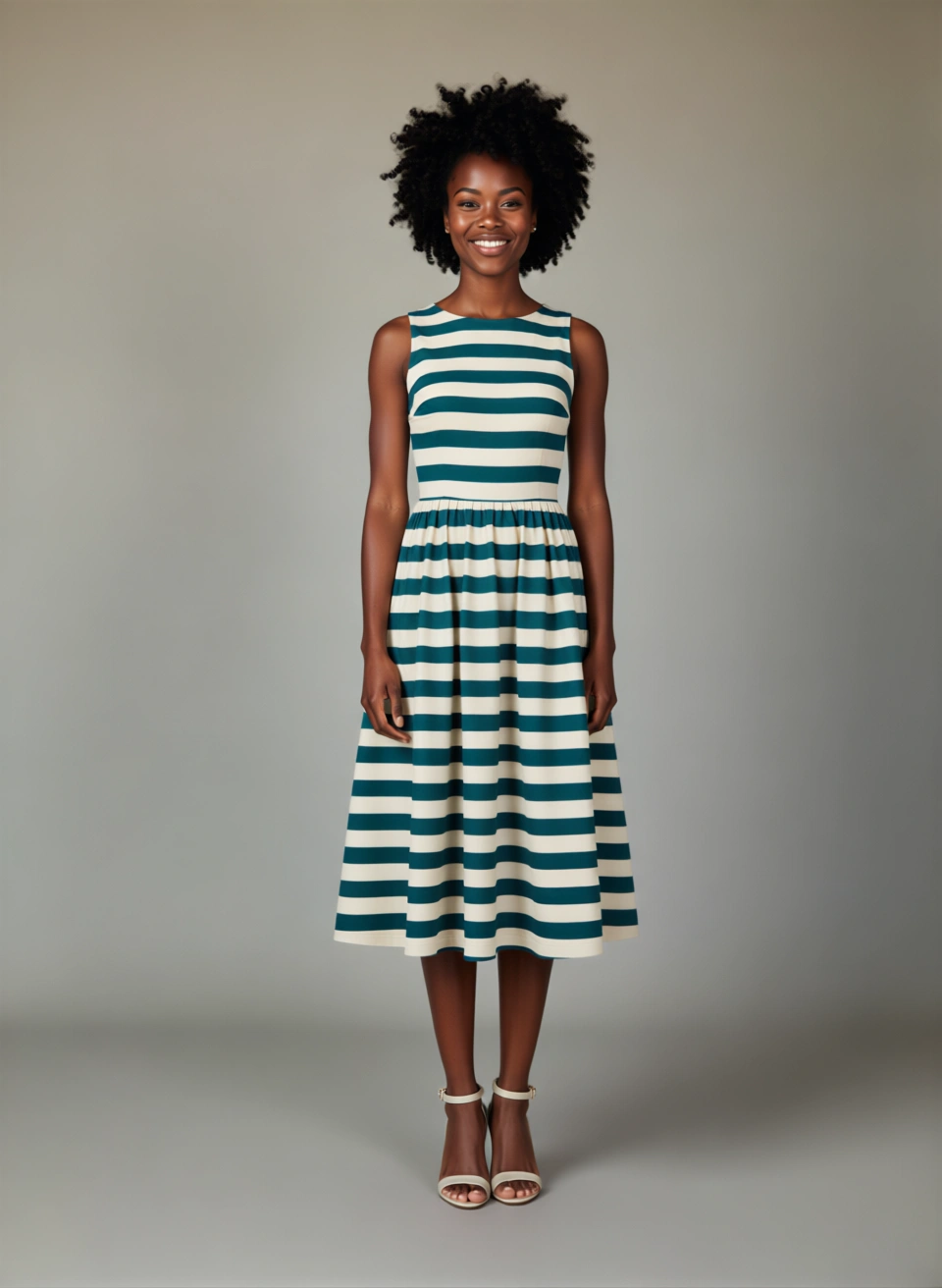
For product detail pages, the priority is clarity. Shoppers need to see the garment from multiple angles, understand how it fits across body types, and feel confident about what they are ordering. AI generation lets you produce front, back, and three-quarter views from one creative direction, and cast models that reflect your actual customer base rather than defaulting to a single standard.
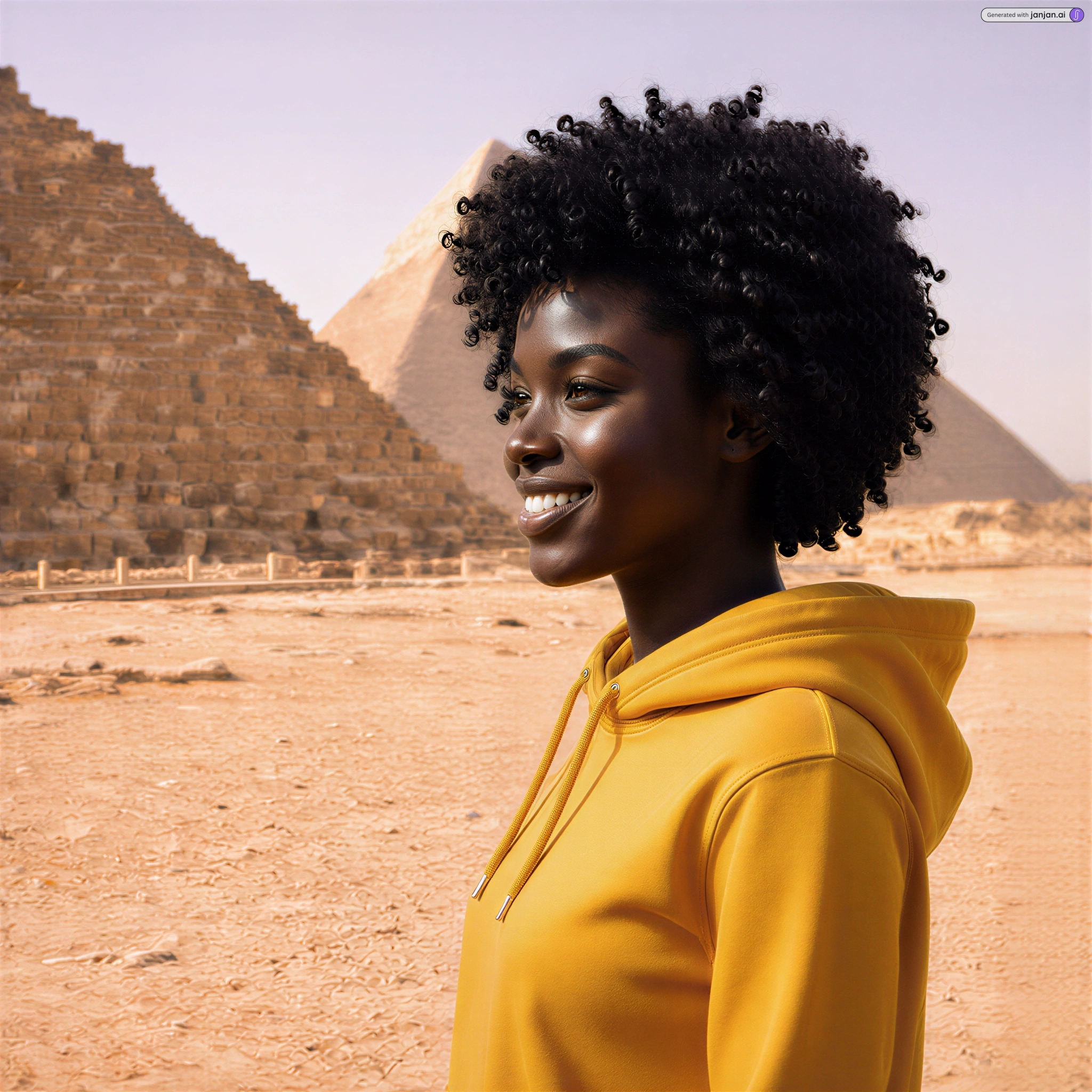
For paid social, the requirements shift. Meta and TikTok favour imagery that stops the scroll, and that means lifestyle context, varied poses, and visual energy that a clean white-background PDP shot rarely delivers. AI generation lets you move the same garment into an outdoor scene, a lifestyle setting, or a campaign environment without a location shoot. The garment stays consistent. The context changes to suit the platform.
For localised storefronts and regional campaigns, the value compounds further. You can swap model casting and scene selection for different markets — without recasting, reshooting, or briefing a new creative team in each region. The core garment imagery remains the same. What changes is who is wearing it and where.
What it costs versus a traditional shoot
A traditional studio shoot carries fixed costs that most ecommerce teams know well: studio hire, photographer fees, model booking, styling, hair and makeup, post-production, and the time required to brief and coordinate every part of that process. For a mid-sized collection, that can run to thousands of pounds before a single asset is approved. For brands running seasonal launches, multiple market rollouts, or ongoing performance marketing, those costs compound quickly.
AI generation changes the cost structure entirely. You are not replacing the occasional hero campaign shoot — there will always be a place for that. What you are replacing is the repeat spend: the reshoots triggered by product changes, the additional shoots needed for new markets, the urgent turnarounds when a campaign brief arrives late. Those are the costs that accumulate invisibly and put pressure on budgets that should be going elsewhere.
The time saving is equally material. Where a traditional shoot might take days or weeks from brief to approved asset, AI generation produces outputs in under a minute. For ecommerce teams under pressure to get new product live quickly, that turnaround changes what is operationally possible — not just what is affordable.
Legal and compliance questions for ecommerce teams
AI-generated imagery raises legitimate questions for ecommerce teams, and it is worth addressing them directly. The two areas that come up most consistently are commercial usage rights and the accuracy of product representation.
On commercial rights, the answer depends on the platform. Janjan.ai grants commercial rights for all approved generated assets, which means imagery you approve through the studio can be used across paid media, PDPs, storefronts, and email without additional licensing concerns. This is not a given across all AI tools, so it is worth confirming usage terms before building a workflow around any platform.
On product representation, the principle is straightforward: AI-generated imagery should accurately represent the garment a customer will receive. If the output distorts print placement, changes colour, or misrepresents construction, it creates a customer expectation that the physical product cannot meet — and that drives returns. Fashion-specific AI tools that prioritise garment fidelity address this risk at the generation stage. The output maps your actual product, not an approximation of it.
Some markets also have emerging guidance on the disclosure of AI-generated imagery in advertising. Teams operating across multiple regions should monitor local requirements as this area continues to develop. As a practical matter, producing imagery that accurately represents the product and reflects your brand's visual standards remains the most defensible position regardless of jurisdiction.
How Shopify integration fits into the workflow
For ecommerce teams working in Shopify, the operational bottleneck is rarely the creative itself — it is the handoff between content production and merchandising. Assets get generated, reviewed, and approved, and then someone has to get them into the right place in the catalogue. That last step is where time gets lost.
Shopify-connected workflows address this directly. Rather than downloading assets, reformatting them, and uploading them manually into product listings, teams can pull source imagery directly from the catalogue, generate variants inside the studio, review outputs in a gallery workflow, and sync approved assets back into the relevant product pages. The loop closes without leaving the platform.
For teams managing large catalogues or running frequent launches, this integration is not a convenience feature — it is the difference between a workflow that scales and one that creates a new operational burden every time it is used.
Getting started with AI on-model generation
The most practical starting point is your existing product imagery. You do not need to reshoot anything to begin. Upload what you have — a flat-lay, a mannequin shot, a catalogue image — and generate a small set of on-model outputs for a product you already know well. Compare the result against your current PDP imagery and against the garment itself. Garment fidelity is the standard that matters most, and testing it directly is the fastest way to understand what the technology can reliably deliver for your catalogue.
From there, the workflow scales naturally. Identify the use cases where repeat shoot costs are highest — seasonal relaunches, new market rollouts, performance marketing — and build your generation workflow around those first. The goal is not to replace every creative decision with AI. It is to eliminate the production friction that slows down the decisions you have already made.
","title":"Flat-lay to on-model photos: the photographer-free workflow guide","description":"Learn how to turn flat-lay product shots into photorealistic on-model images using AI, a step-by-step workflow, prep checklist, cost savings, and compliance guide for ecommerce teams.